
Create an email account in cPanel
If you want to create an email account in cPanel, you can follow the steps below.
1. Login to your cPanel account.
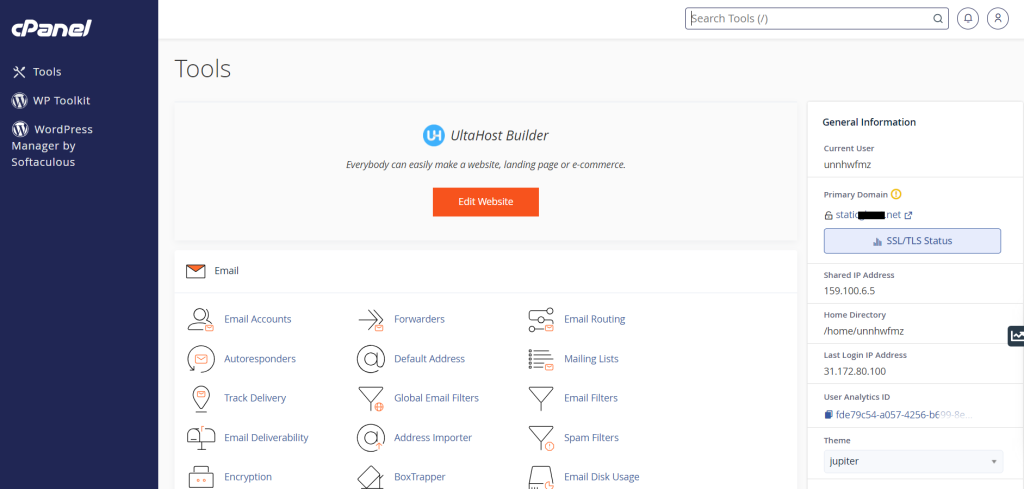
2. Once you loggedin to cPanel, you can click on ‘Email Accounts’ under the Email section.
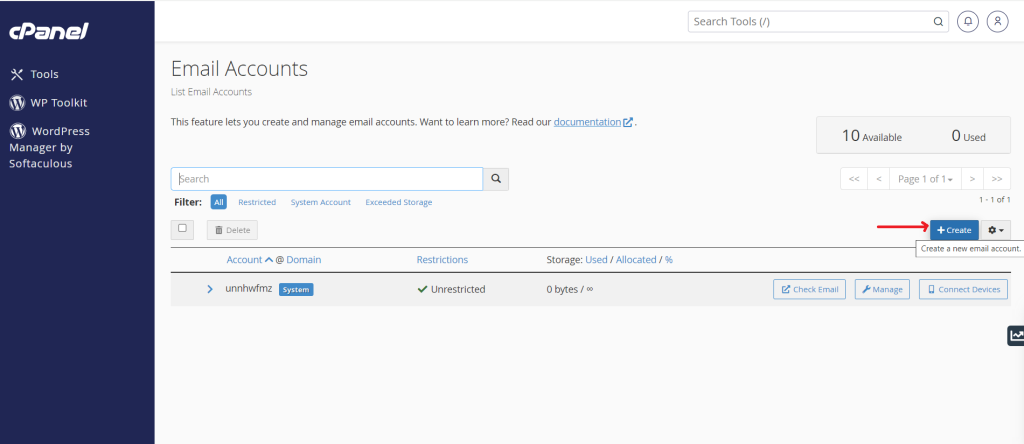
3. Next, click on the ‘Create’ button.
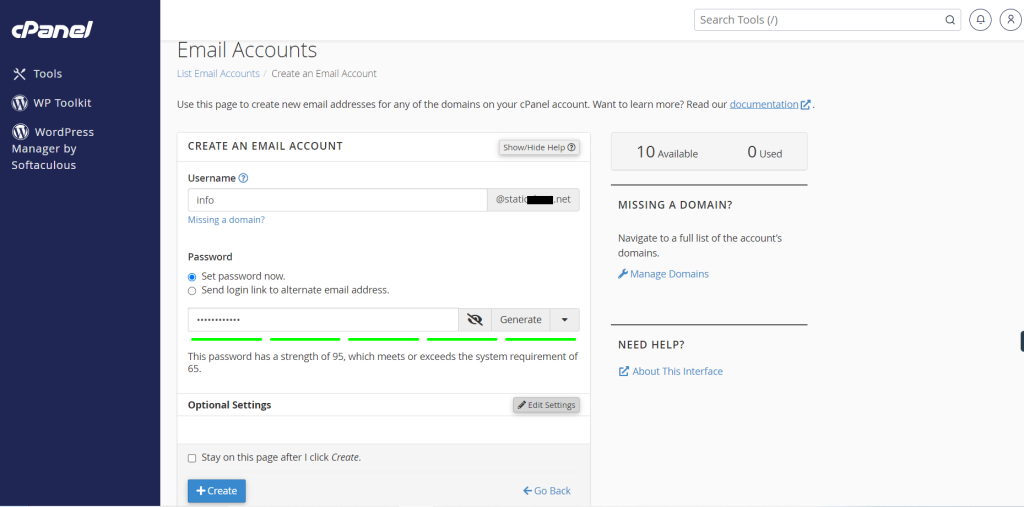
4. Now you need to enter the Username and set the Password for your email account. You can click the ‘Edit Settings’ button if you want more options.
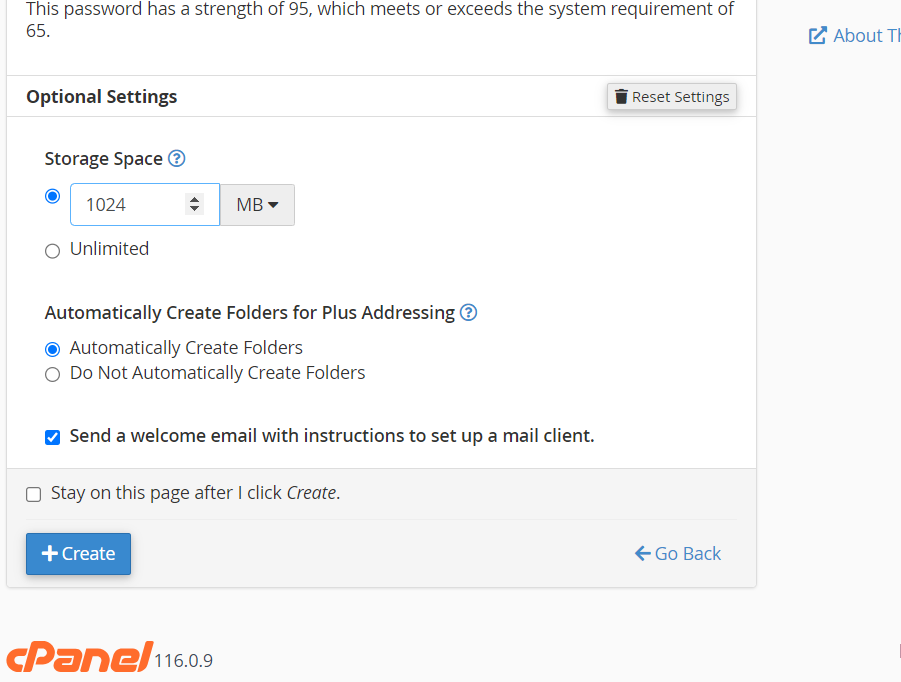
5. Now you can assign the storage space, and select other settings.
6. Click on ‘Create’ button.
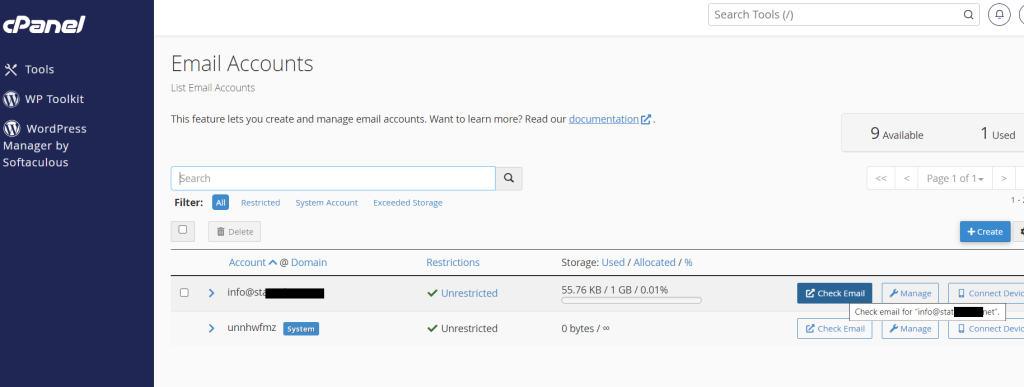
7. Now you can find your email account. You can click on ‘Check Email’ to login to your email account.
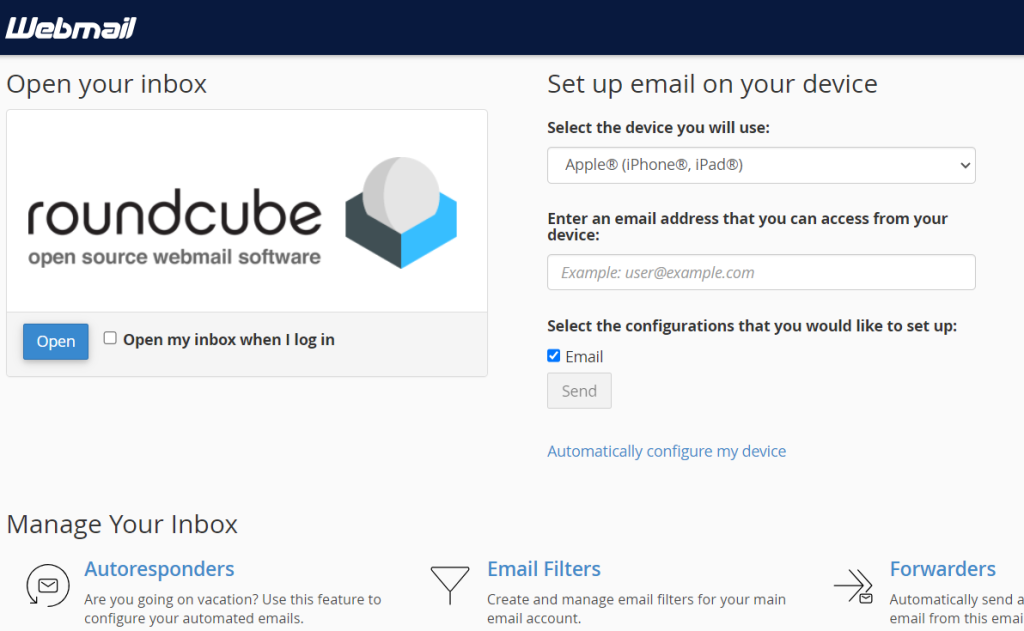
8. Simply click on ‘Open’
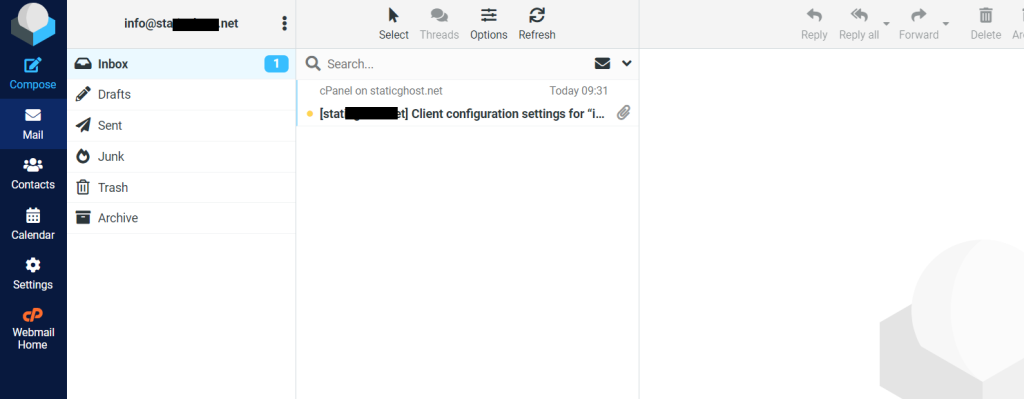
You’ll be loggedin to your mailbox successfully!
You can also visit this https://webmail.{your_site}.com and enter the credentials which you set when creating an email account.
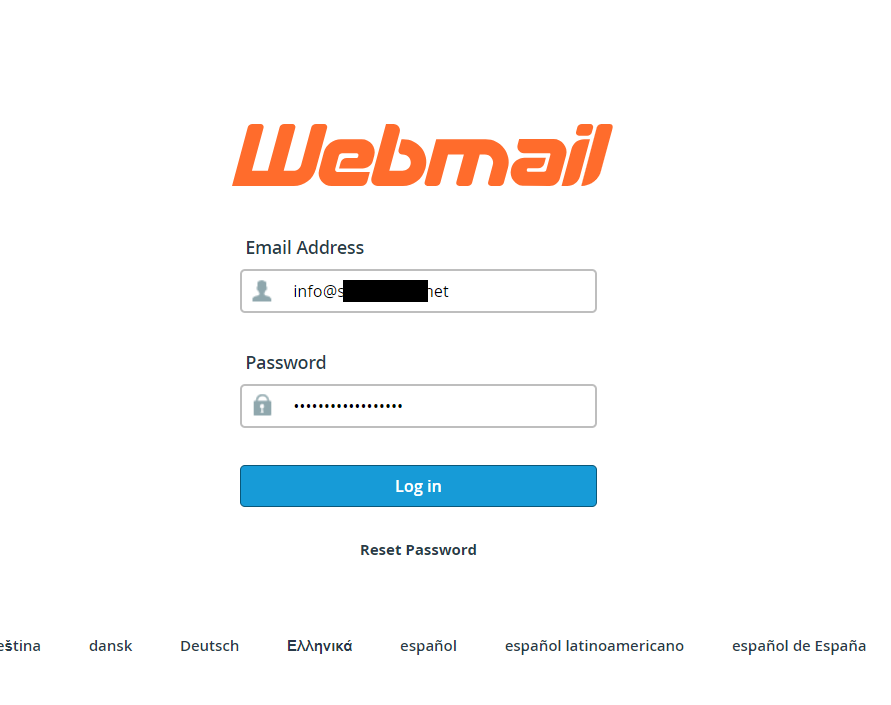
Provide the credentials and click on Login to login your webmail.
This is how you can create an email account in cPanel and login to your email account.
